Choosing a POS system for a small business in the Philippines
Compare POS systems for a Philippine shop or café using repeatable demo tasks, an evidence scorecard, PHP cost assumptions, and separate BIR invoicing checks.

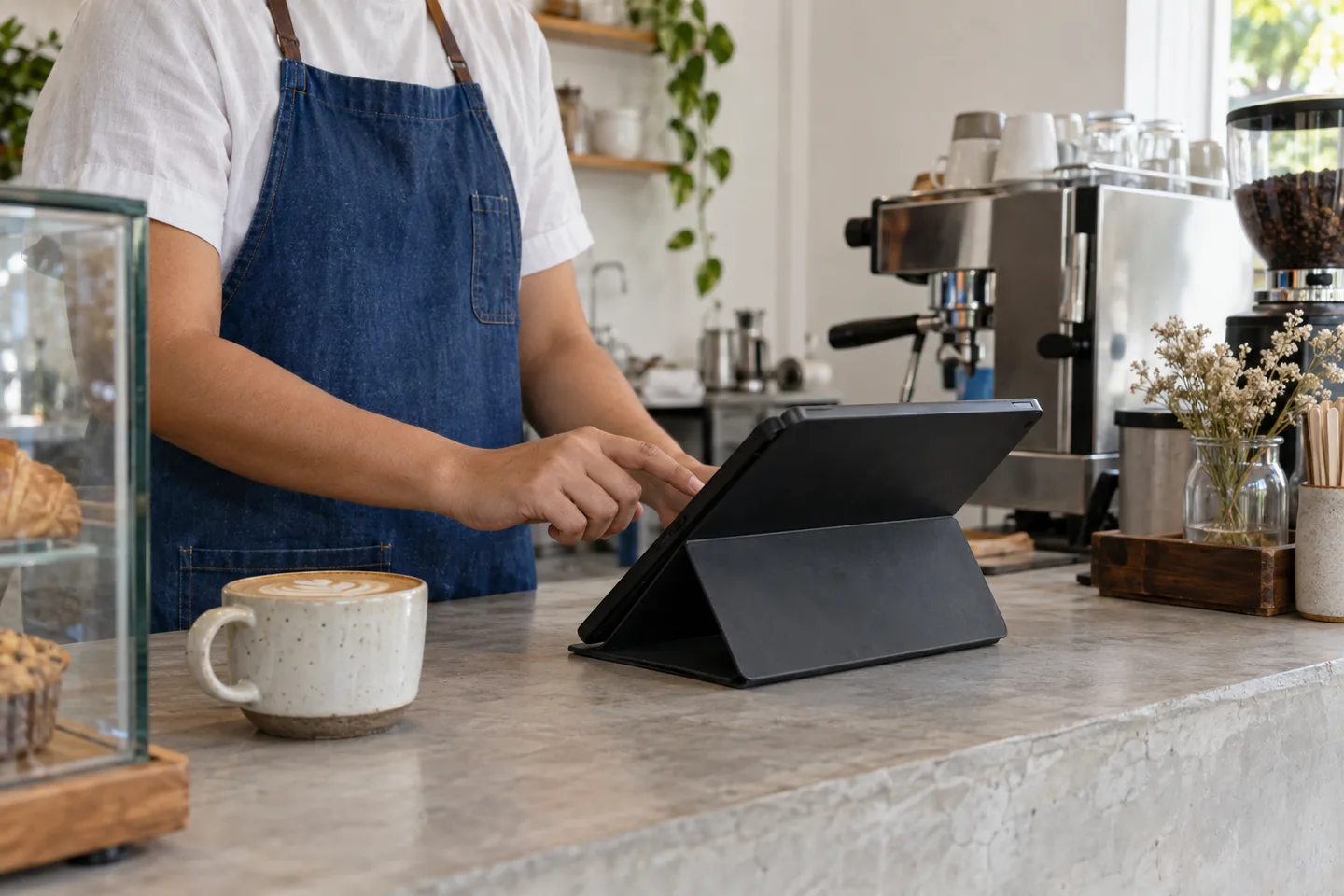
A point of sale (POS) system records what you sell, how a customer pays, and the details you need to review the transaction later. To choose one for a small business in the Philippines, start with your actual checkout routine, test it with your own products, and confirm the costs and requirements before committing.
The right system should make the ordinary parts of your day easier: adding a sale, correcting a mistake, checking stock, and closing the register. A long feature list is less useful than a clear answer to a simple question: can your team use this reliably during a busy shift?
Use the trial scorecard to compare evidence from each provider. Keep invoicing suitability and the full cost as separate purchase conditions. The scorecard is an editorial decision aid, not a ranking of products or a report of merchant testing.
Start with how your business actually sells
Before comparing providers, write down a typical sale from beginning to end. Include the moments that make your business different.
A neighborhood store might need barcode scanning and different pack sizes. A café might need sizes, milk choices, and a clear handoff from cashier to barista. A service business might need to record a deposit and collect the balance later. These are different workflows, even when all three businesses use a tablet at the counter.
For a Philippine retail or food business, make the trial specific to your counter: prices and change in pesos, products sold by the piece or pack, and the cash, card, or merchant QR payment methods you actually accept. Ask a local staff member to run the trial using your item names. Keep the payment-provider test separate from the BIR invoicing checks later in this guide.
Make two short lists:
- Needed on opening day: the tasks you perform on almost every shift.
- Useful later: capabilities you would use only after adding staff, products, or another location.
For each essential task, write a small test. “Supports discounts” is vague. “A cashier can apply our approved discount, and the owner can see who applied it” is something you can verify in a demonstration.
Compare cloud and locally installed POS systems
A cloud POS generally stores or synchronizes business data through an online service. A locally installed system generally keeps its main application or data on equipment at your business. Actual products can combine both approaches, so ask the provider to explain where your data lives and what works without an internet connection.
| Question | What to verify |
|---|---|
| What happens if the internet drops? | Which checkout actions still work, what is saved, and how transactions synchronize afterward. |
| Can I review the business away from the store? | Which reports are available remotely and whether that access costs extra. |
| Who handles backups? | The backup schedule, recovery process, and the records you can export yourself. |
| What happens if a device breaks? | How to sign in on replacement hardware and recover work from the current shift. |
| How are updates delivered? | Whether updates interrupt service or require a technician. |
Test offline behavior instead of assuming it
Ask for a guided test with the internet disconnected. Add a sale, try the payment methods you normally accept, reconnect, and check for missing or duplicated records.
Recording that a customer paid by card or e-wallet is different from actually authorizing that payment. A POS may let you record a payment method while the payment terminal or provider still needs a connection. Test each part of the transaction separately.
Check the inventory workflow with real products
Stock features are useful only when they reflect how you receive and sell goods. Bring a small sample of your catalog to a demo: a simple item, a product with variants, and an item sold in a different unit from the one you purchase.
Try receiving a delivery, completing a sale, processing a return, and adjusting damaged stock. Ask whether each movement leaves a record of the person, time, quantity, and reason.
For a café, selling one latte and tracking the milk used in that latte are separate capabilities. Do not assume that product stock tracking includes ingredient recipes. If ingredient tracking matters, ask to see it work with one of your actual recipes.
Start with consistent names and units. Bring the case-to-piece stock worksheet to the demo so you have an expected balance to compare with the system’s result.
Review the reports you will actually use
Begin with the questions you ask at closing:
- What did we sell today?
- How much was recorded under each payment method?
- Which sales were refunded, voided, or discounted?
- Who handled each transaction?
- Can I export the underlying records in a usable format?
Ask the provider to produce these answers using the test transactions you just entered. Check how the reports treat refunds and business days that end after midnight. A readable report is more useful than a dashboard that looks impressive but leaves you doing the same reconciliation by hand.
If you also need payroll, include it as an optional part of the software comparison. Ask each provider to demonstrate a sample pay period using your shop’s pay setup, explain who can access payroll records, and quote any applicable charges. Sentra offers payroll on selected plans. Assess that feature against your staffing needs alongside the checkout tests in this guide.
Confirm Philippine invoicing requirements separately
Treat the operational features of a POS and its suitability for your business’s invoicing requirements as separate checks. The BIR lists an application for a permit to use a cash register or POS machine among its registration requirements.
Ask the provider which product version and configuration its documentation covers. Then confirm with your Revenue District Office or accountant what applies to your business and intended use. A sales demonstration or a printed transaction slip alone is not enough to establish that a setup meets your obligations.
Keep the provider’s answers and supporting documents with your implementation notes. Recheck the current official requirements before purchasing hardware or changing how you issue invoices.
Build an invoicing evidence file
The BIR’s 2025 Citizen’s Charter, RDO service 25 describes the POS/CRM Permit to Use process through eAccReg. Its eAccReg help page separately links accredited software/hardware information. These are evidence to check against the exact proposed setup; a provider’s accreditation claim alone does not establish your business’s readiness to issue invoices.
Ask the provider and your accountant or RDO to resolve four items before go-live:
- Identity: the supplier, product version, branch, devices, and registration route covered by the documents.
- Output: a sample invoice for your registration status and actual transaction types, including applicable discounts and corrections.
- Responsibility: who handles applications or configuration changes, what you must supply, and which confirmations remain outstanding.
- Continuity: the procedure to follow during a connection/device failure and how records are reconciled afterward.
BIR RMC 77-2024, issued July 11, 2024, clarifies the invoice as the primary sales document and the official receipt as a supplementary document. A payment confirmation or a slip labeled “receipt” should therefore not be your sole invoicing acceptance test. Sources checked September 12, 2026; this is a procurement evidence checklist, not a complete tax-compliance determination. Confirm any electronic-invoicing obligations for your taxpayer and system separately.
Compare the full cost of getting started
A subscription price is one part of the decision. Ask for a written breakdown of the hardware, installation, training, support, and recurring charges that apply to your setup.
Ask for a PHP quote for your actual store location. Confirm whether the quoted amount includes applicable Philippine taxes, delivery, on-site installation, and support outside the provider’s base city. If a subscription is billed in another currency, identify the currency and conversion charges instead of comparing its headline figure directly with a peso quote. These are questions for the provider, not assumptions about any particular vendor’s pricing.
Use the same comparison period for each option. A simple worksheet can use this structure:
First-year planning total =
  initial equipment and setup
  + 12 months of recurring software charges
  + expected support and integration charges
This is a planning template, not a provider quote. Add taxes, payment-processing costs, replacement equipment, or other charges where they apply. Ask which costs are fixed, which vary with usage, and which can change at renewal.
Attach a scope line to every total: number of branches, registers and users; hardware ownership; contract length; quote date and expiry; and tax basis. For usage charges, give every vendor the same hypothetical number and value of transactions, using that vendor’s written fee schedule. Mark missing charges unquoted, rather than ₱0. Show cash due before opening separately from the first-year total, and compare recurring costs after introductory offers end.
Also ask what happens when you leave: whether you can export product and transaction records, how long you retain access, and whether cancellation affects any hardware agreement.
Run a realistic trial before switching
Use a quiet period to test a short, repeatable set of tasks. Give a staff member the same instructions they would receive on a normal shift.
A practical trial checklist
Use the same products, staff roles, transaction amounts, and expected results for each candidate. Agree with the provider how to distinguish test records from real sales and how to reverse any live payment tests. Keep the following as your demo script.
| Task | Evidence to keep |
|---|---|
| Sell a product with a variant/modifier; correct a mistaken item before payment. | Transaction record with the intended item, price, and total; staff can repeat the task. |
| Take cash and each accepted non-cash method; refund a test sale. | Tender totals, payment-provider confirmation where applicable, refund reference, and resulting balance. |
| Attempt a restricted price change or refund as a cashier, then as an authorized user. | Access result and an identifiable record of the authorized change. |
| Receive a pack, sell units, process a return, and record damage. Test a recipe if needed. | Starting quantity, each movement, and the expected closing stock. |
| Disconnect the internet, recover, and try a replacement device with the provider. | Saved/recovered transactions, synchronization result, and an explained recovery procedure. |
| Close the shift and export sales, products, and adjustments. | Reports match the test records; exported files open and contain the fields you need. |
Score demonstrated work, then resolve blockers
Copy one row below for each task above and any task specific to your business. Set priorities before seeing vendor results, and use the same priorities across candidates. A purchase condition is a requirement you will not trade away for a higher total score.
| Task and expected result | Essential? | Weight | Result and evidence |
|---|---|---|---|
| Your task, staff role, and required output | Yes / no | 1, 2, or 3 | U, 0, 1, or 2; record/reference; unresolved issue |
Use U for untested; 0 for a tested task that fails; 1 when it works only with help or an unresolved workaround; and 2 when staff can repeat it and verify the output. Weight 1 means lower priority, 2 medium, and 3 higher priority for your operation. These are chosen priorities, not industry benchmarks. Remove an irrelevant task for every candidate before testing rather than giving a favored provider an exemption.
Score (%) = 100 × sum of (weight × result) ÷ (2 × sum of weights). Calculate a final score only after every included task has a numeric result. An essential task below 2, unresolved invoicing suitability, or an unaffordable complete quote keeps the candidate on hold regardless of its score.
For a hypothetical two-task comparison, checkout has weight 3 and export weight 1. A candidate scoring 2 and 1 earns 100 × (3 × 2 + 1 × 1) ÷ (2 × 4) = 87.5%. If export was essential, that candidate still needs a successful retest. The percentage describes this buyer’s trial, not the product’s quality for all Philippine businesses.
Record provider, version, device, connection, tester, date, and quote reference with the scorecard. For any failed or partial result, record the promised fix, owner, and retest date. A promised future feature remains unproven until retested.
Record where staff hesitate or need help. A task that needs repeated explanation during a quiet trial is worth resolving before a busy weekend.
Plan the first week, not just installation day
Before switching, agree on who owns the product list, who trains the team, and how mistakes will be reported. Keep a copy of your starting stock count and the data you import. Choose a go-live time when someone can answer questions without holding up customers.
During the first week, review sales and stock adjustments every day. Write down issues in a single place and ask the provider to resolve the underlying workflow, rather than relying on undocumented workarounds.
If you are opening a café, pair this checklist with our guide to starting a coffee shop. For a clearer end-of-day routine, read how to close your register.
The goal is a system your team understands and records you can trust. Start with the ordinary work, test it carefully, and choose from what you can demonstrate.
Practical knowledge. A clearer next step.
More from Sentra Insights